
Beginner DJ Equipment Setup Guide: Start Your DJ Journey Right

Starting as a DJ can feel overwhelming. There are so many gadgets, cables, and terms. But it does not have to be hard! I will guide you through the beginner DJ equipment setup step by step. You will learn what gear you need, how to connect it, and how to get your first mix going. Let’s dive in and make your DJ dreams real!
Essential Beginner DJ Equipment You Need
When you start, focus on the basics. You do not need expensive gear. You need the right gear. Here is what I recommend:
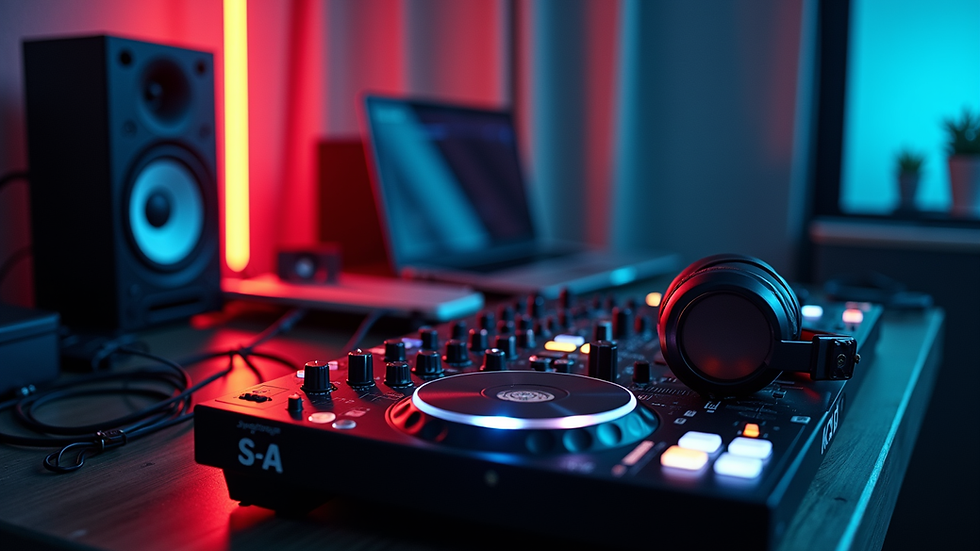
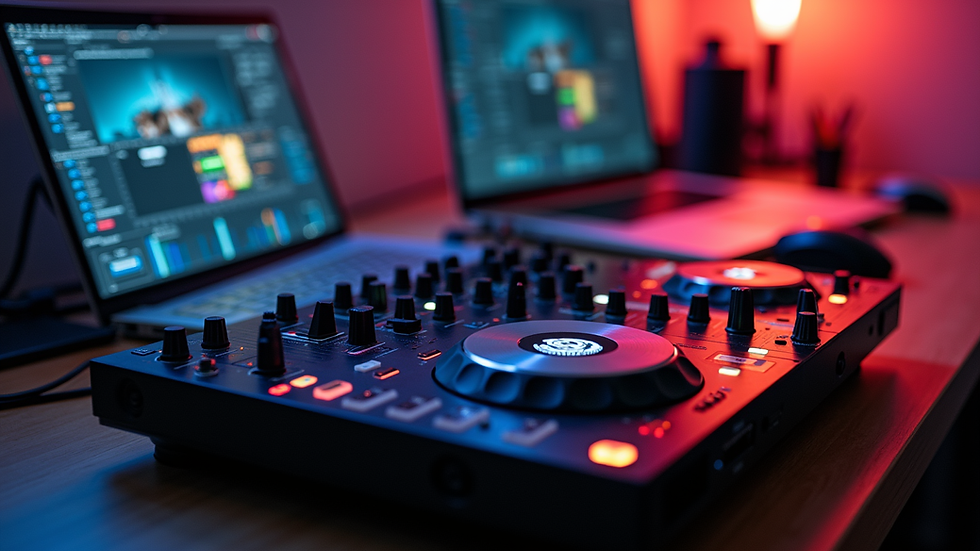
DJ Controller: This is your main tool. It combines decks and mixer in one device. It connects to your laptop and controls your music software.
Laptop: You need a laptop with DJ software. Popular choices include Serato, Rekordbox, and Virtual DJ.
Headphones: Good headphones help you cue tracks and beatmatch.
Speakers: Powered speakers or studio monitors let you hear your mix clearly.
Cables: You need USB cables for the controller and audio cables for speakers.
Start simple. A basic DJ controller with built-in sound card is perfect. It saves you from buying extra gear. You can upgrade later.

How to Set Up Your Beginner DJ Equipment
Setting up your gear is easy if you follow these steps:
Connect your DJ controller to your laptop using the USB cable.
Install and open your DJ software. Most controllers come with a free version.
Plug your headphones into the controller. This lets you listen to the next track without playing it out loud.
Connect your speakers to the controller using the right audio cables (usually RCA or 1/4 inch).
Power on your speakers and controller.
Adjust volume levels on your controller and speakers.
Load your music tracks into the software.
Start mixing!
Keep cables tidy and avoid tangles. Label your cables if needed. This setup works for home practice and small gigs.
What is the Rule of 32 in DJing?
The rule of 32 is a classic DJ technique. It helps you organize your mixes smoothly. Here is how it works:
Most songs have 32 bars per section (intro, verse, chorus).
DJs use this to plan when to start mixing the next track.
You mix during a 32-bar phrase to keep the flow natural.
This avoids awkward cuts or clashes in the music.
Understanding the rule of 32 improves your timing. It makes your sets sound professional. Practice counting bars and beats in your tracks. This skill is key for any DJ.
Tips for Choosing the Right DJ Software
Your DJ software is your digital DJ booth. Choose one that fits your style and skill level. Here are some tips:
Start with free or entry-level versions. They have all basic features.
Look for software with good tutorials and support.
Check compatibility with your controller.
Try software demos before buying.
Consider software with built-in effects and loops.
Popular beginner-friendly options include Serato DJ Lite, Rekordbox DJ, and Virtual DJ Home. They offer easy interfaces and solid performance.
How to Practice and Improve Your DJ Skills
Practice is the key to success. Here are some ways to get better fast:
Practice beatmatching by ear. Try to sync two tracks without software help.
Experiment with EQ and filters to shape your sound.
Record your mixes and listen back for mistakes.
Learn to use loops and hot cues to add creativity.
Play different music genres to expand your skills.
Join online DJ communities for tips and feedback.
Set small goals for each session. For example, practice smooth transitions or build a 30-minute set. Consistency beats long sessions.
Where to Buy Your Beginner DJ Equipment
Buying your gear from a trusted store matters. You want quality and good deals. Creekside Music offers a wide selection of instruments and DJ gear. They focus on making quality instruments affordable and accessible. Plus, they have great deals to keep you coming back.
Check out their beginner dj equipment setup page for starter kits and bundles. Buying a bundle saves money and ensures compatibility.
Ready to Start Your DJ Journey?
Now you know the basics of beginner DJ equipment and setup. You have a clear path to get started. Remember:
Start simple with a DJ controller, laptop, headphones, and speakers.
Follow the setup steps carefully.
Learn the rule of 32 to improve your mixing.
Choose the right software for your needs.
Practice regularly and stay curious.
Your DJ journey is exciting. Gear up, plug in, and play your first mix today!


Comments